
Plan the day.Then take it with you.
Calendar, tasks, and focused work—together on your phone.
Get Android Early AccessiPhone & iPad coming soon
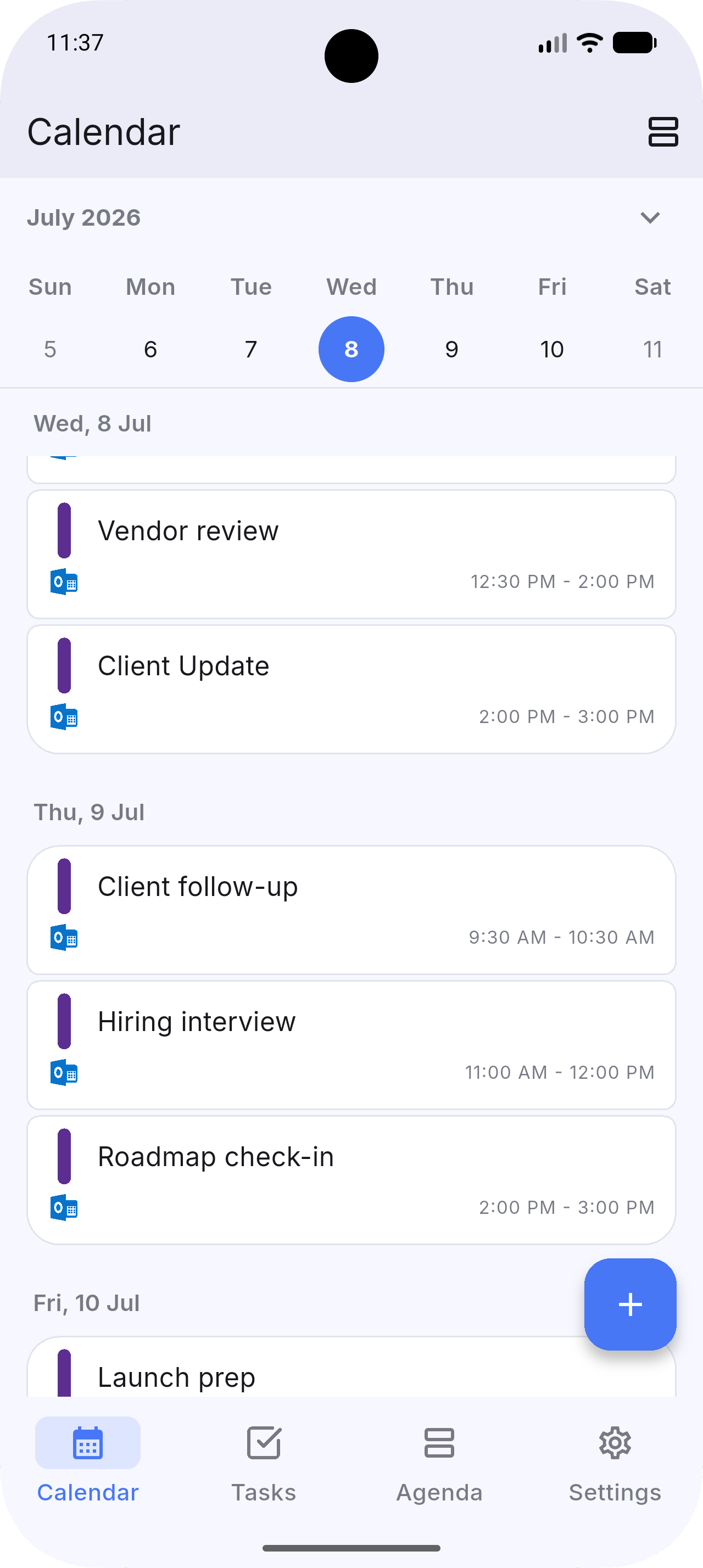
Morning8:00 AM
01
See what the day already holds.
Your events from every calendar, all in one place.
Midday12:00 PM
02
Choose what matters.
See all your tasks across tools. Prioritize with clarity.
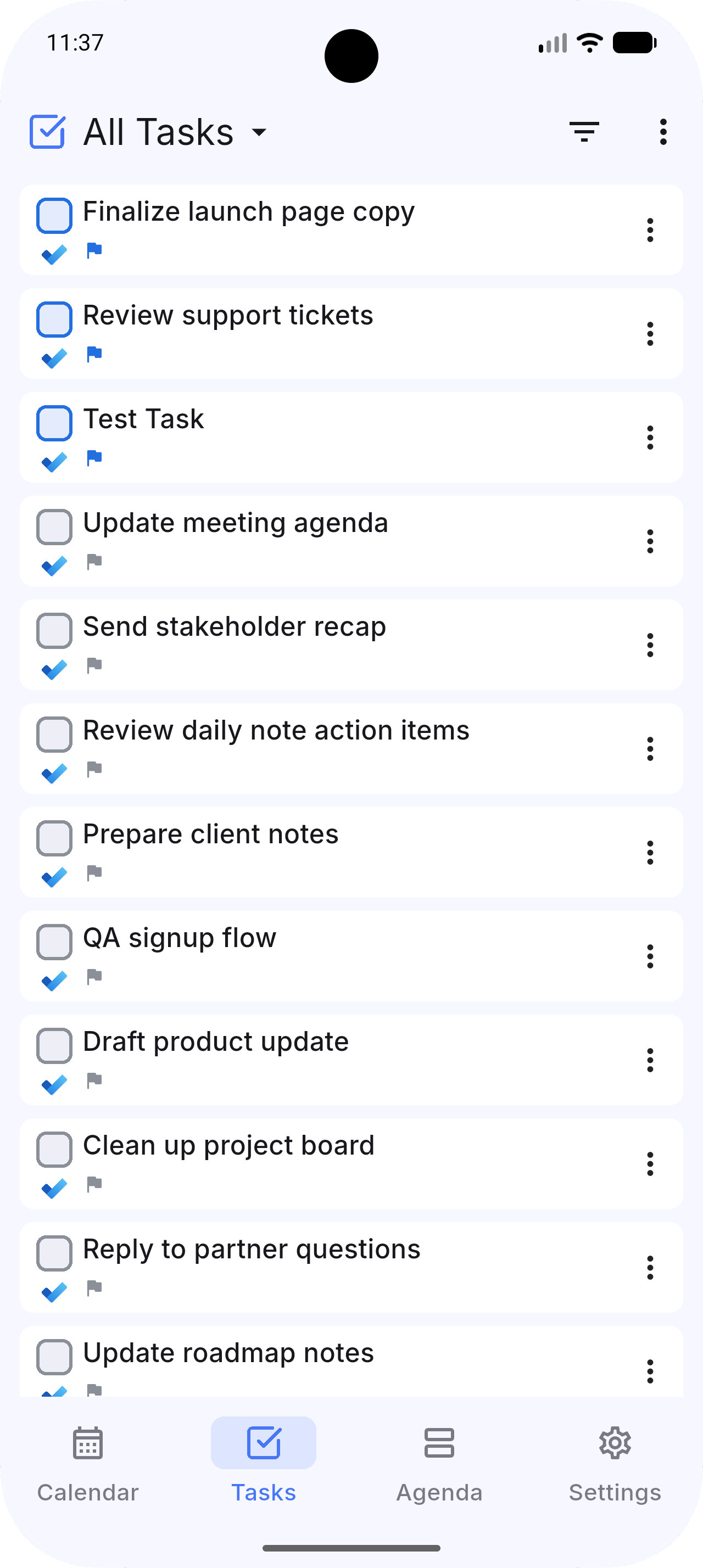
 Dainvo
 Google Calendar
 Google Tasks
 Outlook Calendar
 Microsoft To Do
 Todoist
Afternoon3:00 PM
03
Make room to do it.
Turn a task into a focused time block in one tap. Protect time for what moves your day forward.
Evening5:00 PM
04
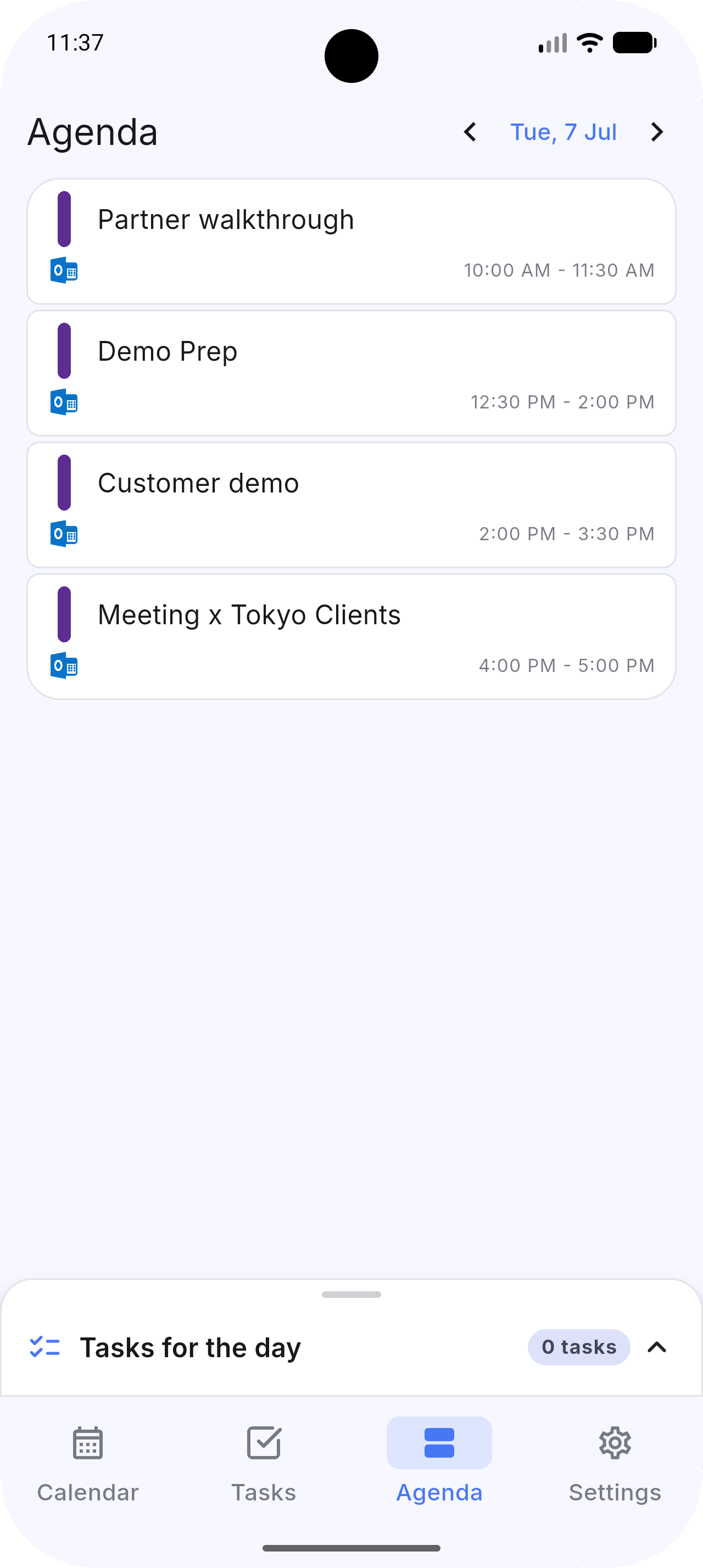
One focused view for right now.
Today’s events and your daily tasks—side by side. Stay grounded. Finish strong.
Your tools come with you.
Keep planning with the calendars and task apps you already know.
Your connected data stays on your device.
Dainvo doesn’t store or sync your connected calendar and task data on its servers. It stays securely on your device and syncs directly with the providers you connect.